Lilithwithluv
svakon camera vibe
svakon camera vibe
Couldn't load pickup availability
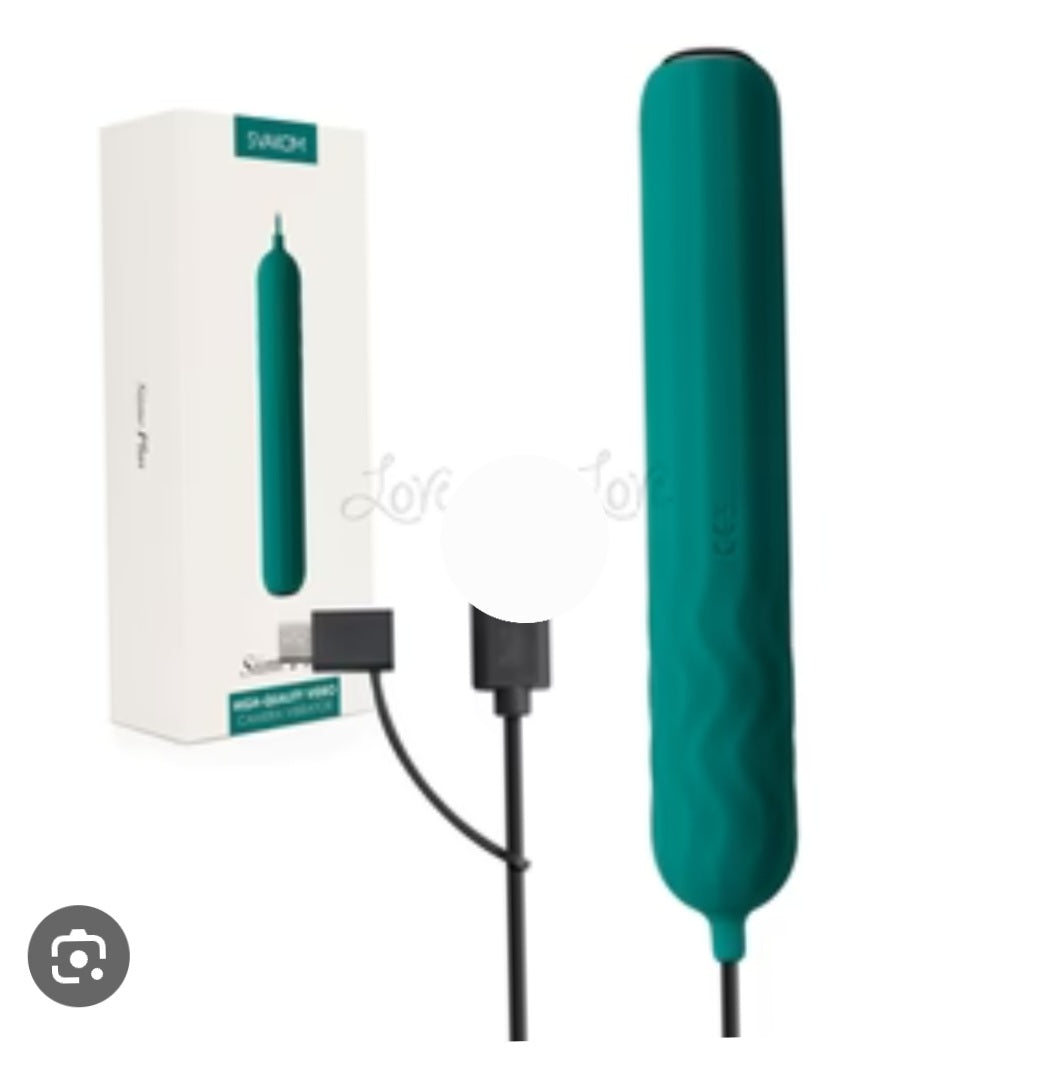
Siime Plus Video Camera VibratorHigh quality video camera vibrator.
Siime Plus is equipped with a high-quality camera and easily connects to your phone or computer with a cable. The vibrations, pulsations and visualization, they are all there with Siime Plus. With Siime Plus you can enjoy the pleasure, while capturing the most intimate moments and exploring the most intimate parts of the body. Siime Plus has a built-in multifunctional cable that allows you to connect the vibrator to the computer, or an Android phone (has OTG function). Take pictures or videos of the most intimate part and share it with your partner, whether he is next to you or miles away.Innovative design.
An innovative thought created this product, a vibrator, that allows you to look deep inside yourself while masturbating. How sexy is that!
High quality internal macro camera.
Siime Plus has a built-in high quality macro camera and hidden LED light set to shine the light on the inside of your intimate part, when it is connected to the PC or phone. You can also record it and share this wonderful sex adventure with your partner via photos or videos (The camera is 1 megapixel).
SVAKOM Intelligent Mode.
Siime Plus has a SVAKOM intelligent mode that strongly imitates the whole sex process from foreplay to climax. Just press the S button, you will go on a wonderful sex journey. From shy foreplay, sexy teasing, strong pulsating, to max orgasm, it is a heavenly sex experience you don't want to miss.
Hidden lights.
Siime Plus has four hidden LED lights at the tip of the camera, allowing it to see clearly even in complete darkness.
1-megapixel camera
Connect to phone or computer with cable
Hidden lights
SVAKOM intelligent mode
Environmentally friendly material
Whisper quiet
Rechargeable
CONNECT TO PC OR PHONE
Win7 or lower:
Install the software Siime (connected download page), which you can download from the svakom.net website
Press the webcam light button on the product (make sure Siime Plus has connected to your computer or laptop first)
Open the installed software and select the "USB Video Device" under "Device"
Win8 or higher:
Press the webcam light button on the product (make sure Siime Plus has connected to your computer or laptop first)
Click on 'window' to open the window menu and open the Camera app
Mac OS:
Press the webcam light button on the product (make sure Siime Plus has connected to your Mac first)Click on "photo mode"
Click "Camera", choose "USB 2.0 PC Cam"
Android phones (must be OTG enabled):
Download the SVAKOM app via Google Play.
Connect Siime Plus to your phone via cable, you can connect to any Android phone, if you have a Micro USB or USB-C port.
Click the webcam light button on the Siime Plus, your phone will automatically enter SVAKOM APP camera mode. (Click as "always" at the first time for your own convenience)
Share